Audience
Architects, interior designers and visualization teams working from SketchUp desktop scenes.
A concise media kit for journalists, reviewers, educators and software-directory editors. Every statement below reflects the currently available interior-rendering workflow.
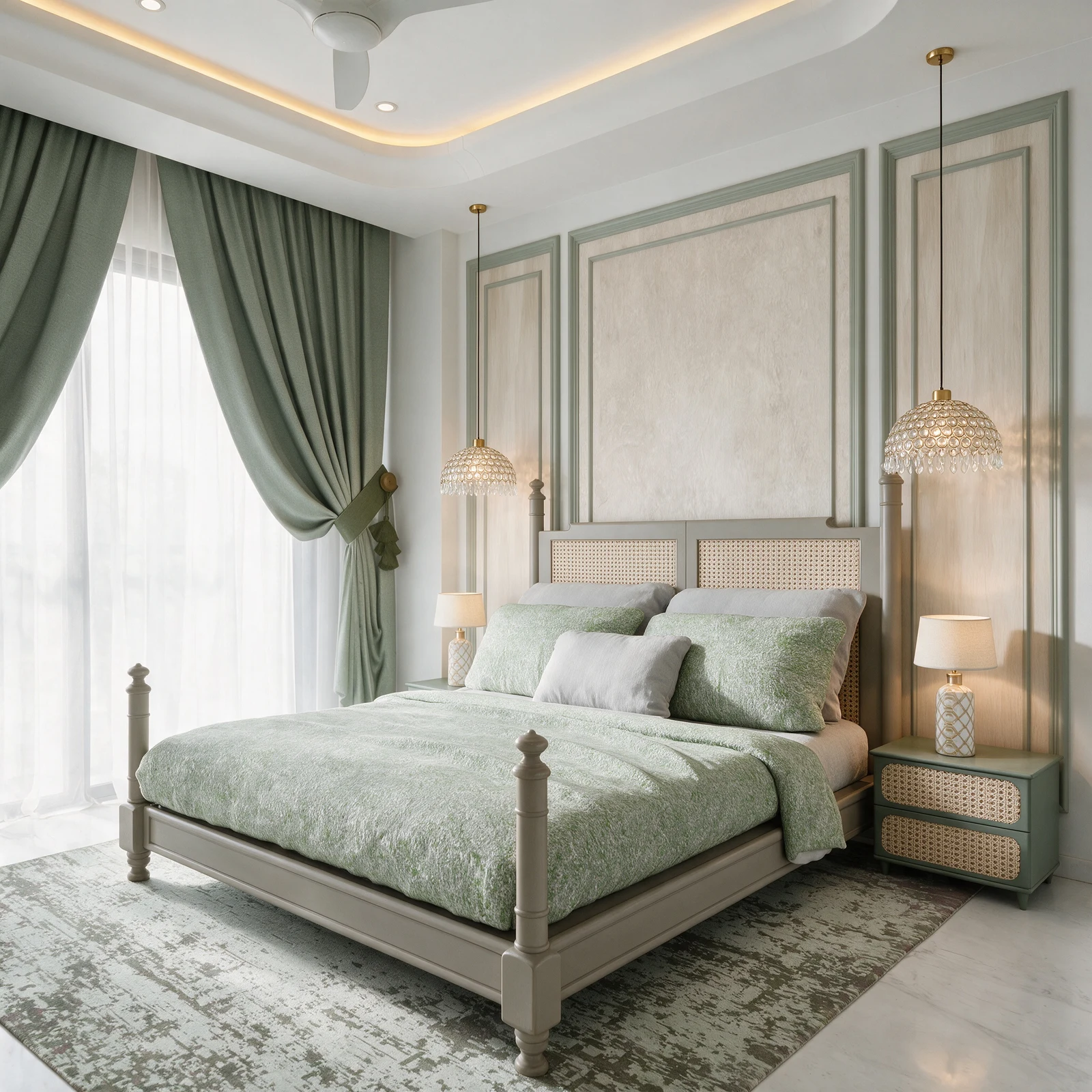
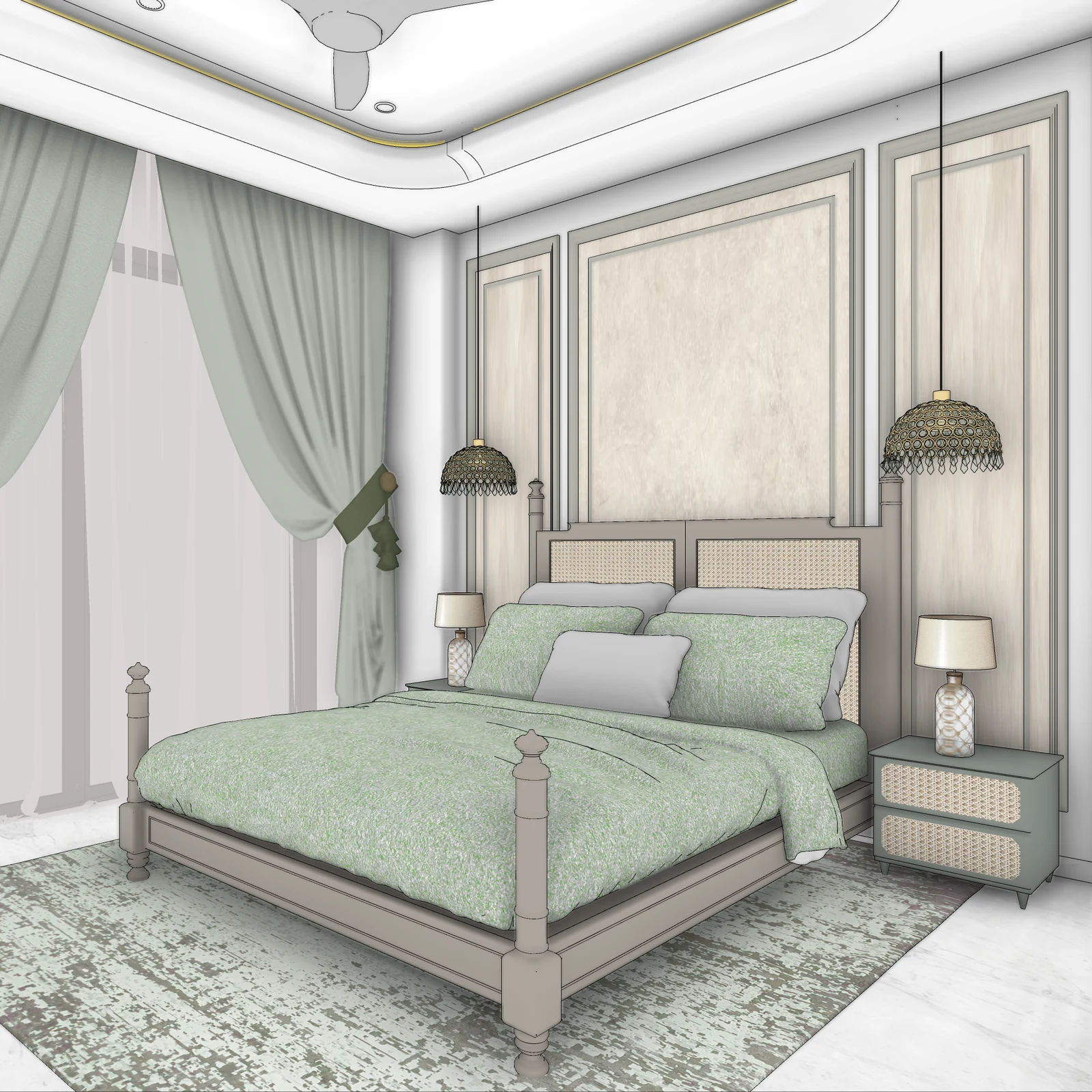
Vivid Render is source-driven visualization software for architects and interior designers. Instead of asking an empty text prompt to invent a room, it starts with the team’s visible SketchUp camera, geometry, furniture and material direction.
The connected workflow combines the Vivid Export plugin for SketchUp desktop with a browser project workspace for rendering, review, focused revisions and 2K delivery. Standard renders typically return in about a minute, though queue time and scene complexity vary.
Architects, interior designers and visualization teams working from SketchUp desktop scenes.
Interior still rendering, project organization, source comparison, revisions and 2K downloads.
A downloadable SketchUp extension sends selected scenes into the browser workspace.
Fast source-to-presentation visualization, not a claim to replace every physically based rendering task.
Vivid Render by VR3D Design helps architecture and interior-design teams turn real SketchUp views into photoreal presentation images. Its source-driven workflow is designed to retain the visible camera and design relationships while adding material response, lighting and atmosphere. Vivid connects a SketchUp desktop plugin with a browser workspace for project organization, rendering, review and revision.
Vivid Render is built in India and developed with real studio workflows from Vistaar Studio. For product, review or partnership enquiries, email contact@vividrender.app.
PNG brand mark for directory profiles, article thumbnails and software listings.
The original source view used in the published bedroom case study.
The corresponding presentation image for before-and-after coverage.
Context, review anchors, limitations and an exact source-to-result comparison.
Please link product references to the AI rendering overview, technical workflow references to the SketchUp rendering page, and evidence-led coverage to the documented case study above.
Vivid Render is source-driven AI interior rendering software for architecture and interior design teams. It turns real SketchUp views into presentation images while keeping the visible camera and design as the brief.
Vivid Render is built by VR3D Design in India and tested with real interior-design work from Vistaar Studio.
The current product focuses on interior still images, a web project workspace and the Vivid Export plugin for SketchUp desktop. Exterior rendering is on the roadmap and should not be described as a live feature.
Yes. Journalists, reviewers and directory editors may use the supplied Vivid Render marks and product images when covering or listing Vivid Render, with attribution to Vivid Render by VR3D Design.
Start with a SketchUp scene. Keep the design decisions. Make the result presentation-ready.
Get the SketchUp plugin